Configuration
For the companion pages you use after setup, see Using the Companion.
For channel controls, profile switching on the Roku, cache clearing, and screensaver behavior after setup, see Using the Roku Apps.
Connection settings
These settings are shared by every profile:
- friendly name
- immich server URL
- immich API key
Use an immich URL that the Roku can reach on your LAN. localhost, 127.0.0.1, ::1, and wildcard bind addresses are not valid here.
After saving, use Test Connection to make sure the companion can reach immich.
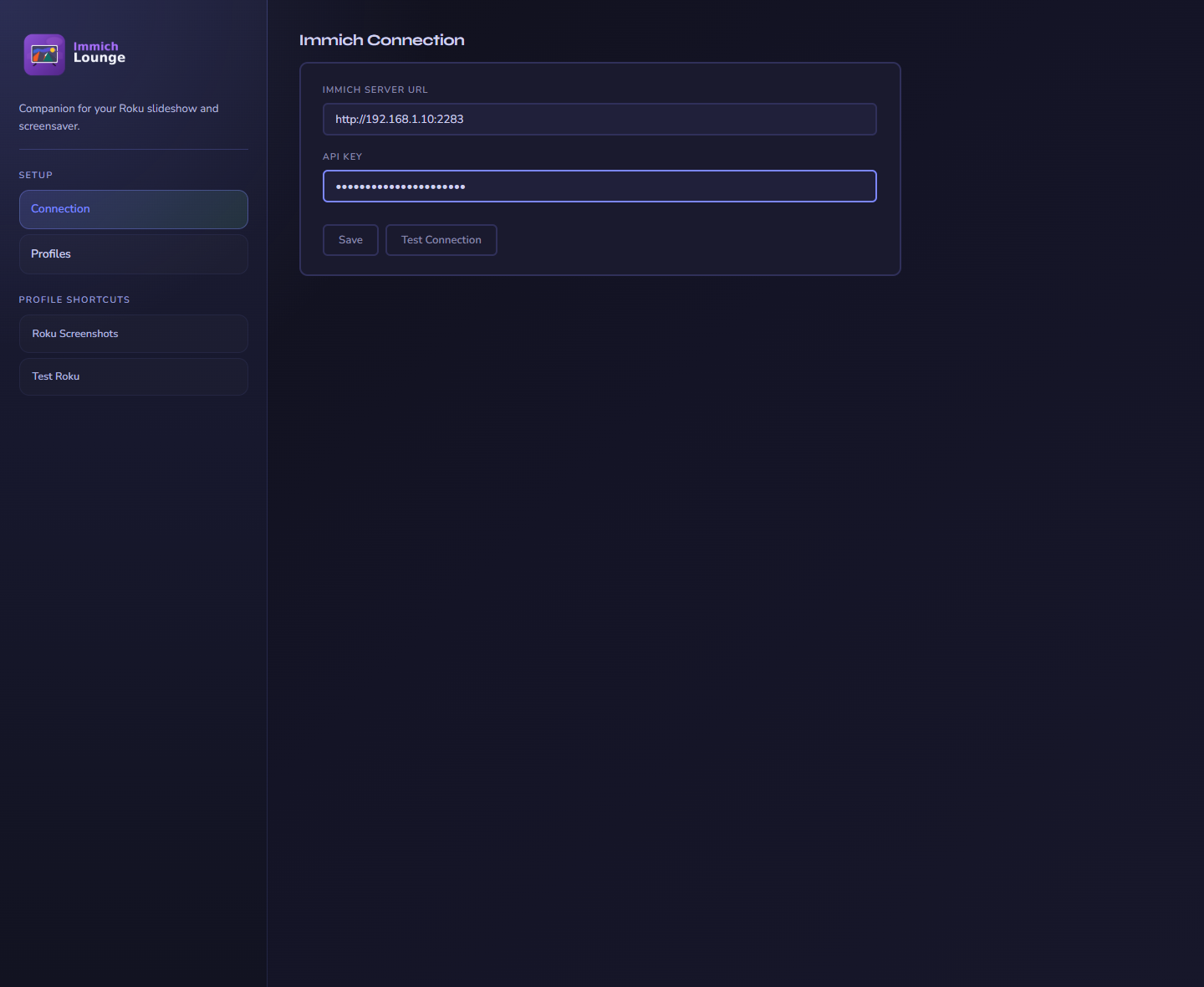
The connection page stores the single immich connection used by all profiles.
Security note: The companion is for trusted home networks. It does not provide public-internet authentication.
Profiles
A profile decides what to show and how to show it. You can create as many as you want.
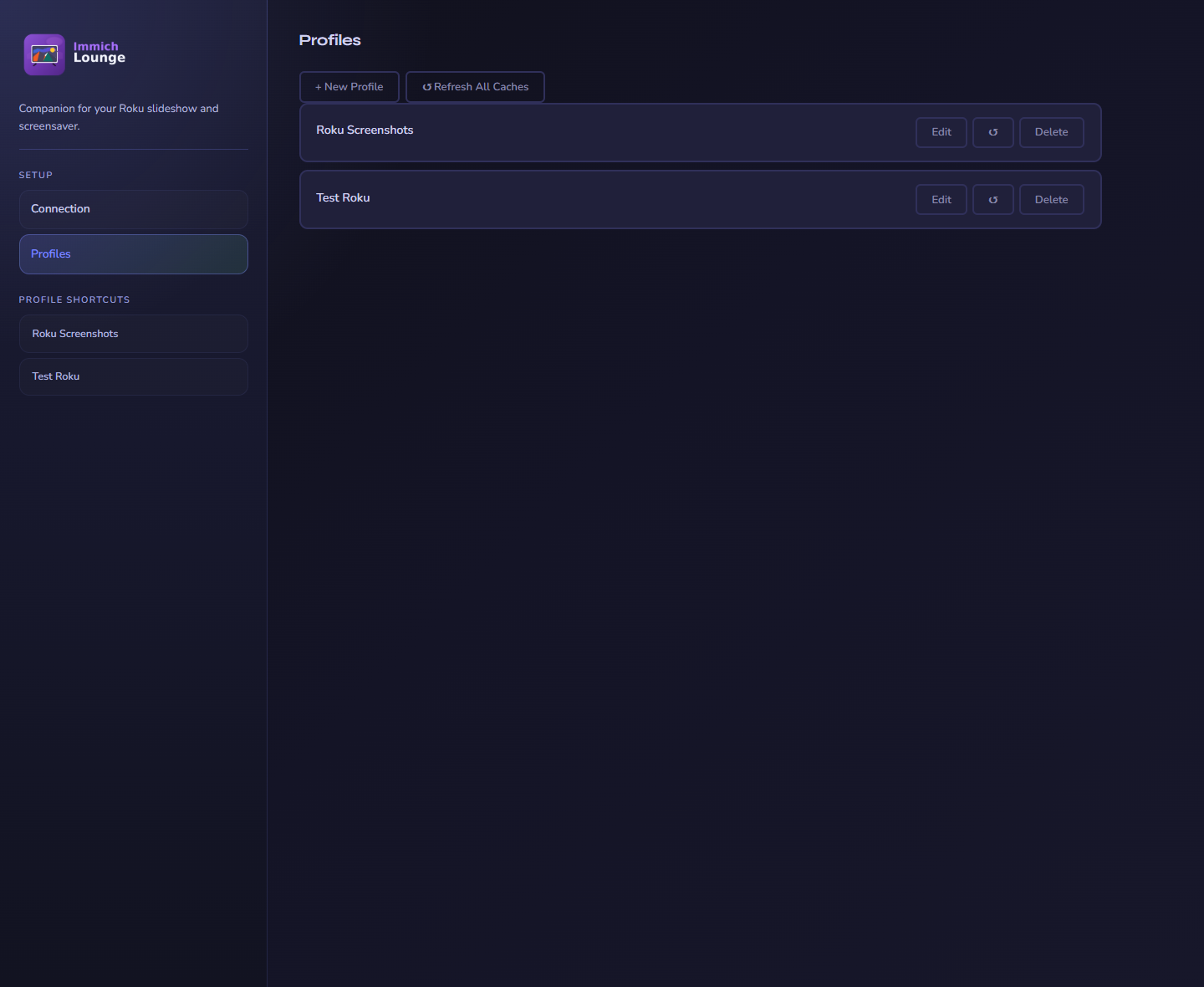
Each profile can target a different room, use case, or screensaver setup.
Content sources
Build a profile from albums, people, tags, and memories. Sources are combined into one playlist.
Date filters
Limit a profile to a fixed range or a rolling window like the last 6 months.
Slideshow controls
Change interval, shuffle, transitions, photo motion, and playlist refresh timing.
Display settings
Choose overlays, clock and weather, date formatting, and background effects.
What you can configure
| Area | What it covers |
|---|---|
| Content | Albums, people, tags, memories, and optional date filtering |
| Playback | Interval, shuffle, transition effect, photo motion, and playlist refresh interval |
| Display | Overlay style and fields, background effect, date and time formatting, weather, and image quality |
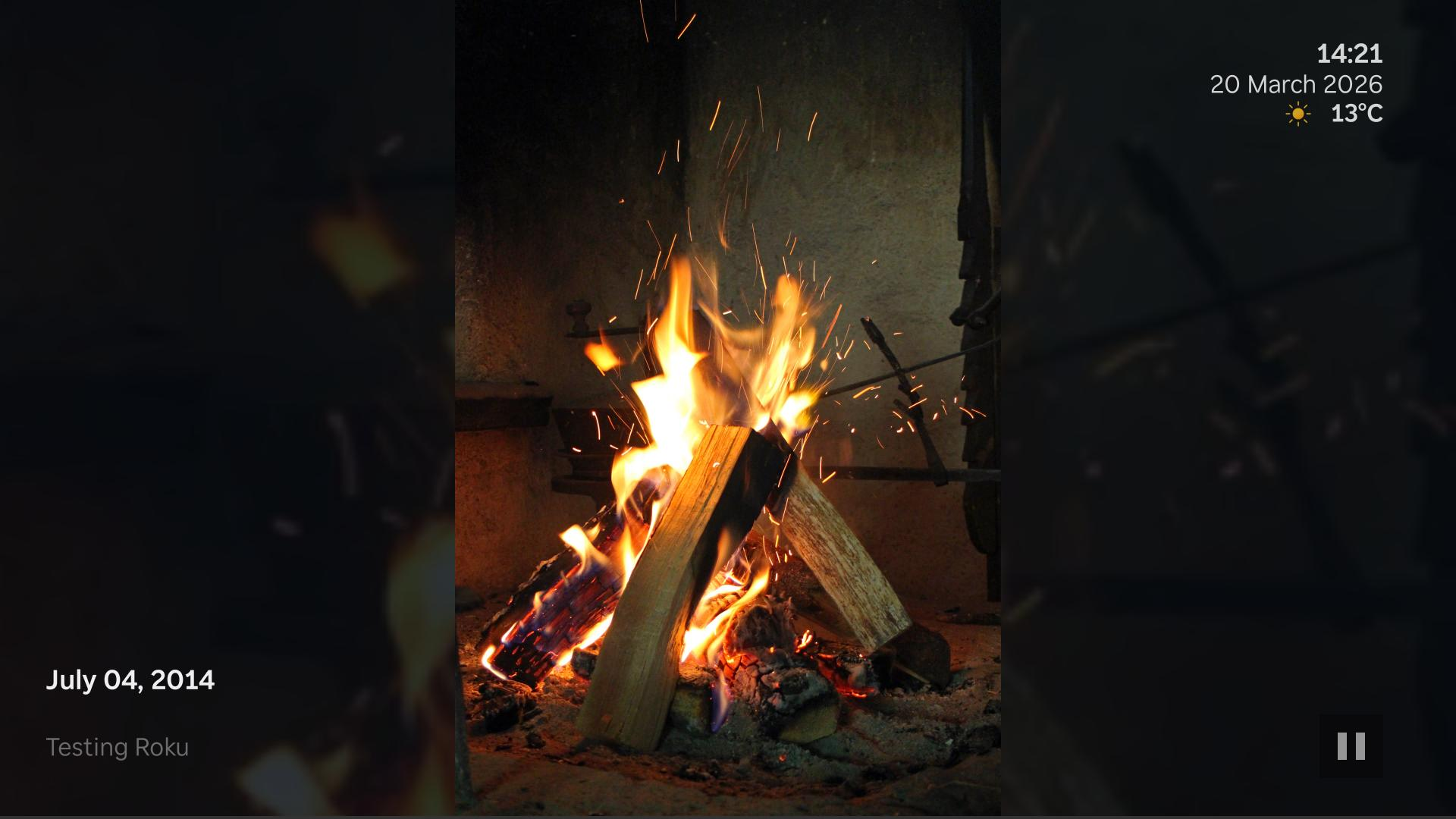
Example slideshow with a left-side overlay, persistent clock, and weather.
When weather is enabled for a profile, you can choose whether the Roku shows temperatures in Celsius or Fahrenheit.
Profile planning
The channel and screensaver share the same companion URL, but they can use different profiles.
That means you can:
- use the same profile for both
- give the screensaver its own profile
- keep the normal channel tuned for interactive use and the screensaver tuned for quieter background playback
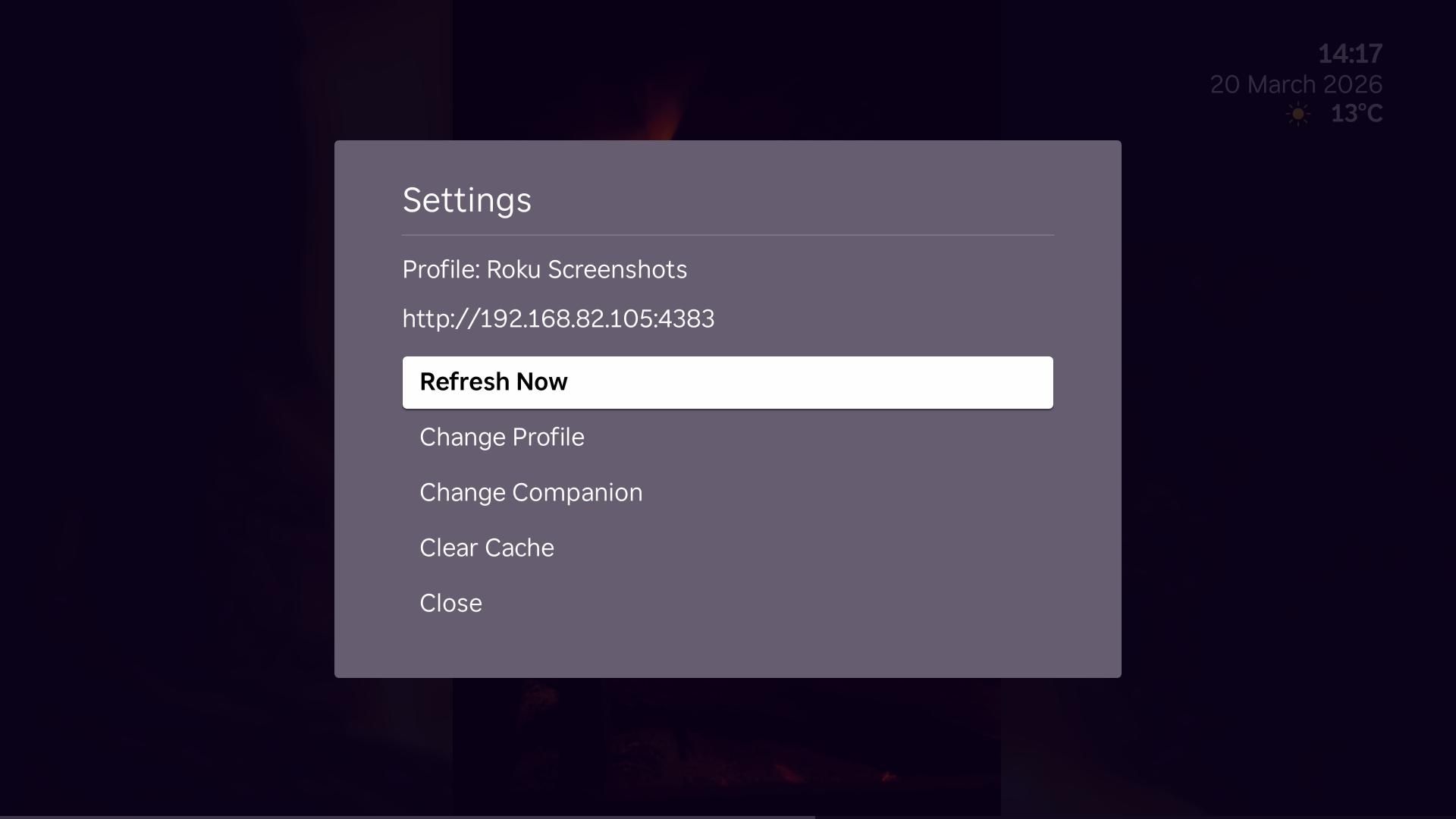
Use the Roku settings menu to refresh, switch profile, change companion, or clear cache.
For the actual Roku-side behavior and menu actions, see Using the Roku Apps.