Immich Lounge


| App | Channel Store | Add Link |
|---|---|---|
| Immich Lounge | Open in Store | Add to Account |
| Immich Lounge Screensaver | Open in Store | Add to Account |
Why People Use It
Photo display on Roku
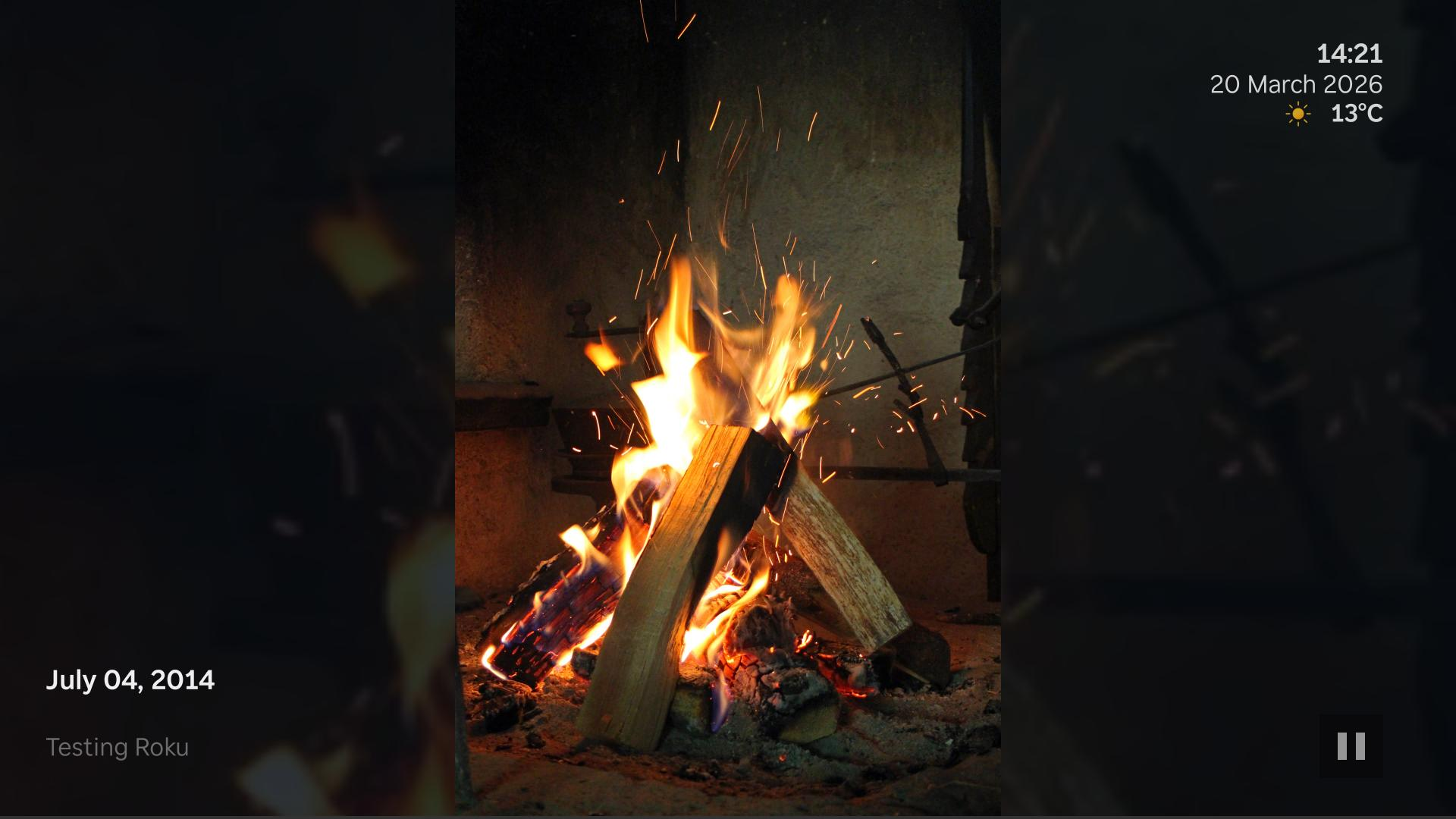
Use a Roku TV or streaming device as a full-screen slideshow for your own immich library.
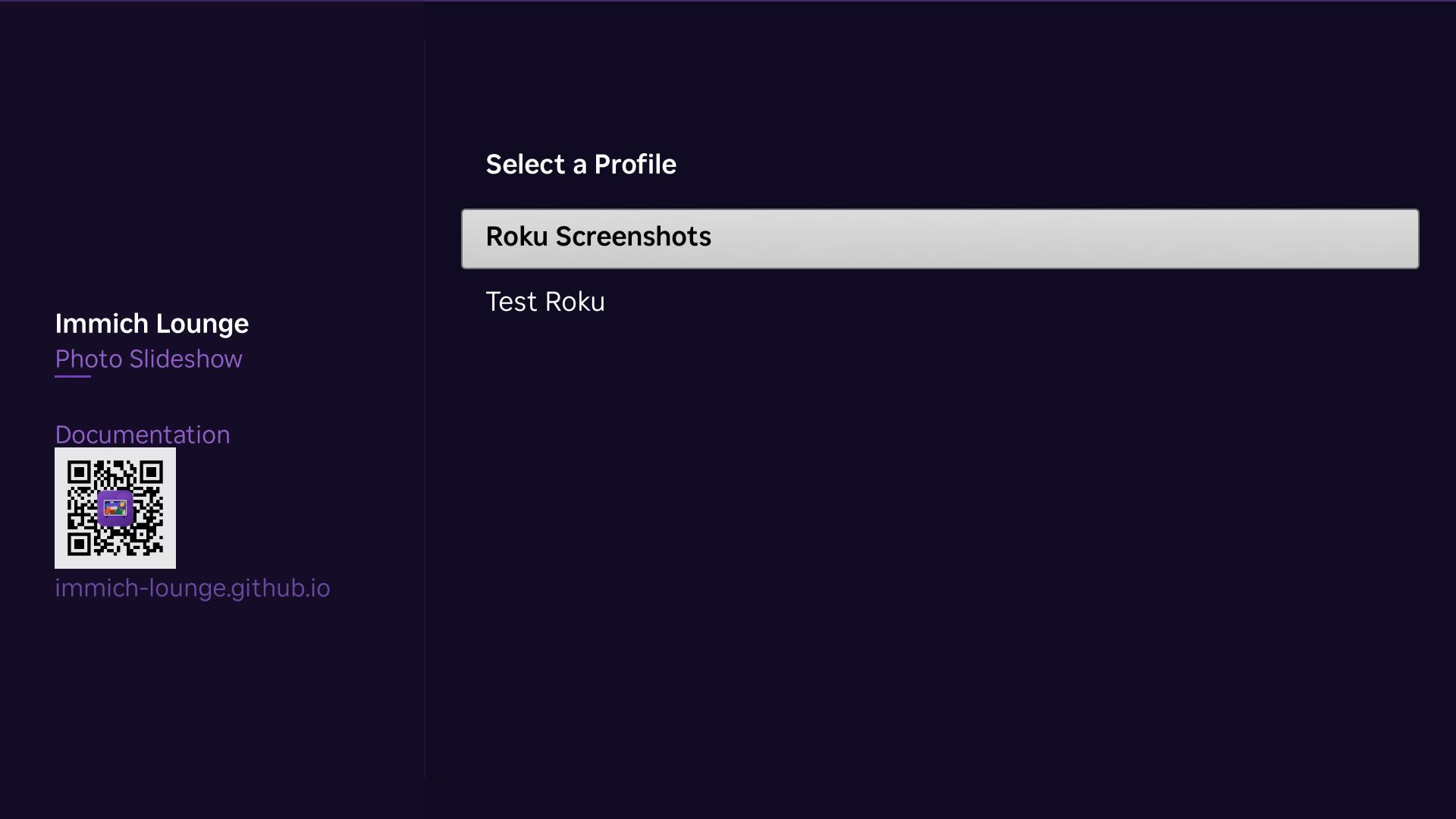
Separate channel and screensaver profiles
Keep one setup for normal playback and another for the Roku screensaver if you want different content.
Simple LAN setup
The companion handles setup and playlists, while the Roku loads media directly from immich.
Good Fits
Shared family TV
Turn a living room TV into a photo display when it is idle.
Room-specific profiles
Use different albums, people, or memories in different rooms without running multiple companion services.
Reliable fallback behavior
Cached profile and playlist data help playback continue when a service is temporarily unavailable.
Features
immich integration
Build slideshows from albums, people, tags, and memories in your own library.
Companion web app
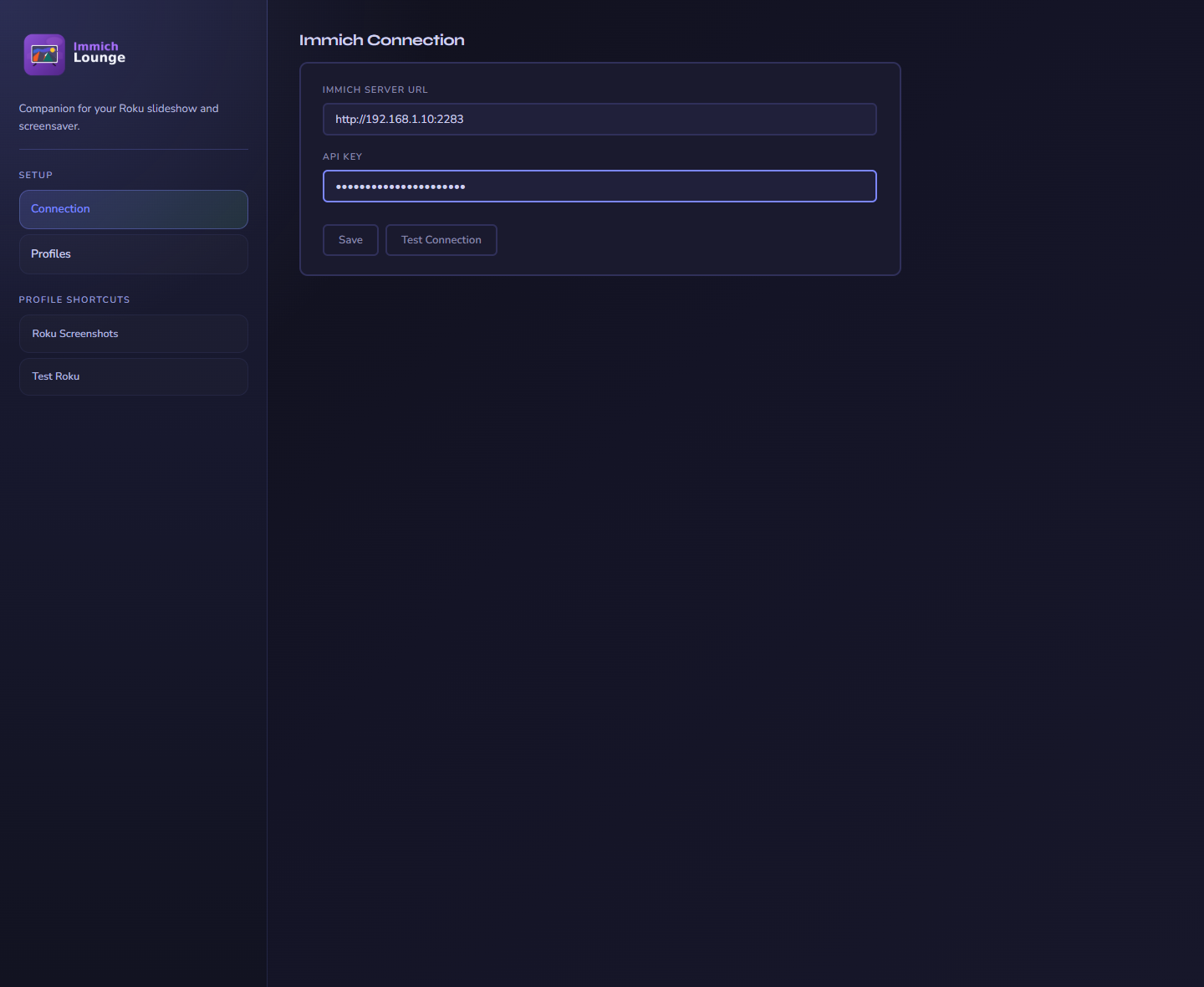
Create profiles, change display settings, and manage setup from a browser.
Roku channel and screensaver
Use one profile for both, or keep them separate.
Display controls
Choose transitions, photo motion, overlays, persistent clock and weather, and background effects.
In Action
Architecture Overview
Browser
Use the companion web app to configure the immich connection and create slideshow profiles.
Companion
Stores settings, serves the Roku setup flow, and builds playlists for the selected profile.
Roku
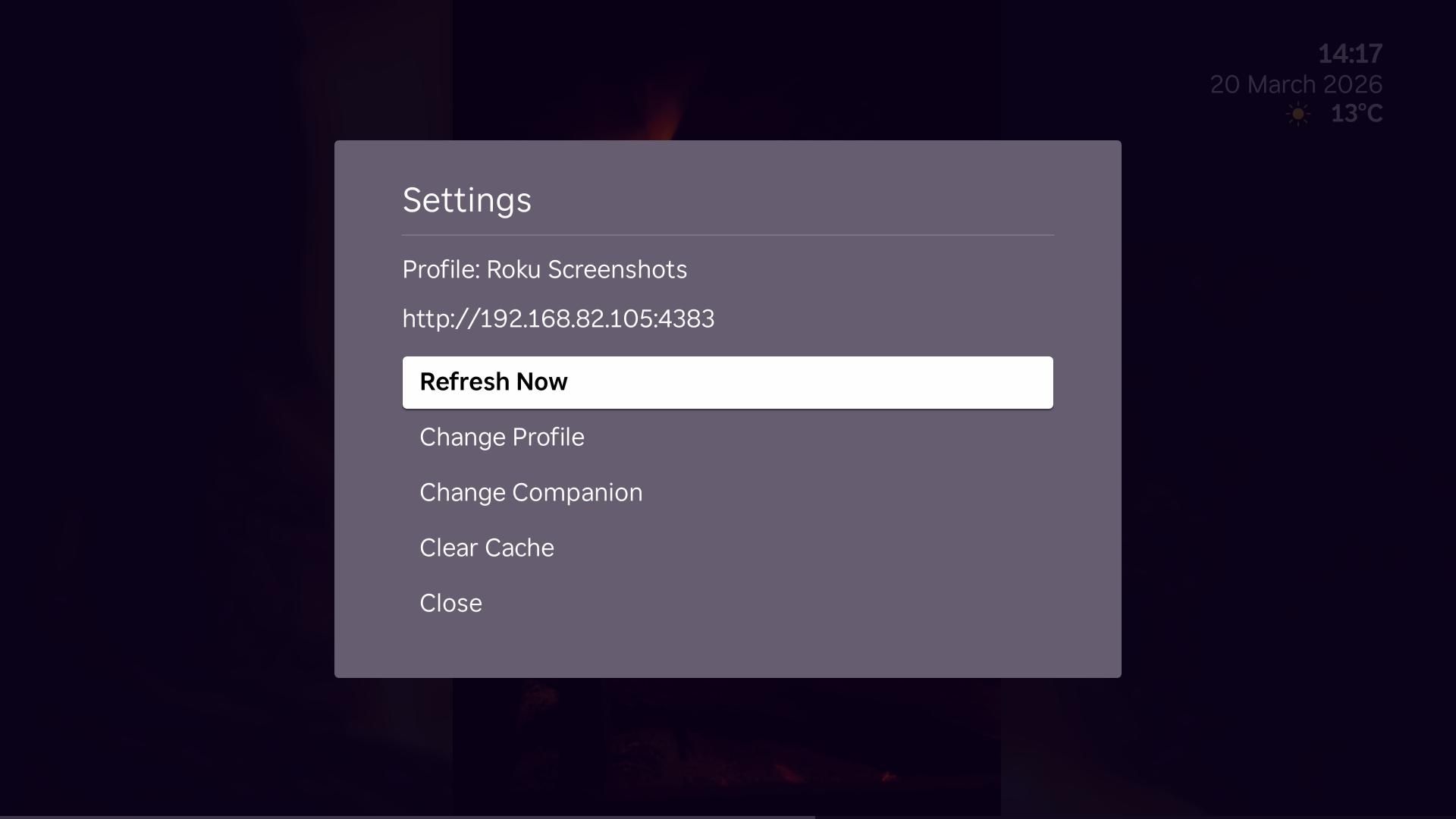
Fetches the active profile and playlist, then loads media directly from immich.
immich
Remains the source of truth for photos and most metadata.
Requirements
| Component | Minimum Version |
|---|---|
| immich | v2.0 |
| Roku OS | 15.0 |
| Docker | 24.0 (for companion) |